Block requests to non-existent Wordpress


Did you ever take a look at the log files of your web applications and see something like this?
... POST /wordpress/wp-login.php ...
... GET /wp-content/.env ...
... GET /?rest_route=/wp/v2/users/ ...
... GET /wp-content/plugins/fix/up.php ...
... GET /wp-login.php ...
Some of these might be normal if you had Wordpress installed but is that really the case? If not, you probably are victim of a fuzzing attack where someone (or some bot) looks for vulnerabilities on your website to exploit them eventually.
To block further requests before the attacker is able to find out more about your system, you can make use of fail2ban. It's very quick and easy to setup and commonly used for blocking ssh brute force attacks and others. It also provides the possibility to setup custom filters which is ideal for our use case here.
Requirements
- Basic shell scripting knowledge
- vi (or use nano instead)
- Linux system
- No Wordpress in use (otherwise you're blocking everyone :) )
1. Installation and basic configuration
# necessary for apt-get, protected directories, systemctl
sudo -s
apt-get update
apt-get install -y fail2ban

# prevent updates to overwrite your own configuration
cp /etc/fail2ban/jail.conf /etc/fail2ban/jail.local

systemctl start fail2ban

# check status
systemctl status fail2ban
Checking the status should give you an output similar to this:
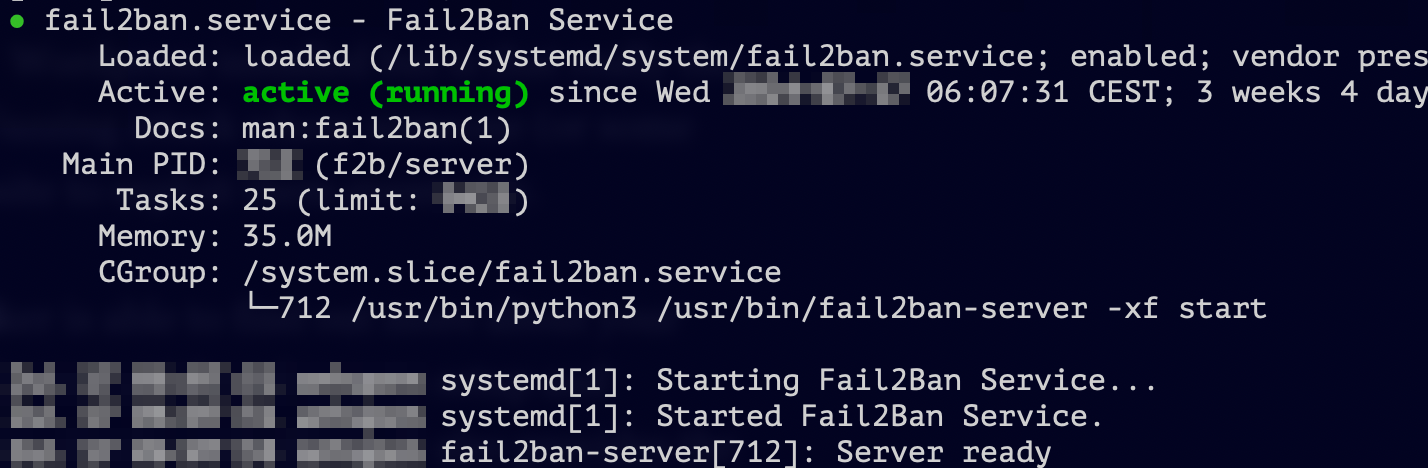
With the default settings, you're in a good position already
2. Set up the custom filter
We need sudo to be able to operate in /etc/fail2ban directory, so execute
sudo vi /etc/fail2ban/filter.d/block-nonexistent-wordpress.conf
When in the editor, add these lines (when you're using Apache HTTP Server, slightly different for Nginx).
[Definition]

failregex = ^[^ ]+ <HOST> .* "(GET|POST|HEAD) .*wp-.*\.(php|xml) HTTP.*" 404 .*$
ignoreregex =
Also, add these lines to your /etc/fail2ban/jail.local
[block-nonexistent-wordpress]
enabled = true
logpath = /var/log/apache2/other_vhosts_access.log
          /var/log/apache2/access.log
maxretry = 1
With logpath, you're telling fail2ban in which log files to look for the pattern specified and maxretry specifies how many matching lines suffice to block the request IP.
Then restart fail2ban with sudo fail2ban-client restart
If it's still not working, use pyinotfy backend (thanks to Ergec).
# necessary for the next commands
sudo -s
apt-get install -y python3-inotify

# if that does not work, use this alternative
apt-get install -y python3-pip
pip3 install inotify
sudo vi /etc/fail2ban/jail.local
[JAILNAME]
...
backend = pyinotify
...
Of course you can take this further and block requests to other application that are not installed on your systems. But if the attacker is using a distributed attack, blocking individual IP addresses won't take you far of course. For mitigating this or if you rather want to have it managed externally, you could opt for Cloudflare or solutions by Amazon like AWS Shield.