Quickly query Terraform data sources


Do you sometimes wonder if there is an easier way to select an instance of a Terraform data source? Just execute these lines here inside the folder of your Terraform project:
echo enter the data source name exactly how it is called in the provider
read datasourcename

tmpfile=tmpres98765.tf
outfile=query-$datasourcename-output.txt

cat <<EOF > $tmpfile
data "$datasourcename" "query" {}

output "query" {
  value = data.$datasourcename.query
}
EOF

# run plan command and format output
terraform plan | sed 's/\x1B\[[0-9;]\{1,\}[A-Za-z]//g' | awk '/Changes to Outputs:/ { found=1 } found' | sed -e :a -e '$d;N;2,8ba' -e 'P;D' > $outfile

rm $tmpfile

echo Output saved at $outfile
If you have the hetznercloud/hcloud provider installed, you could enter hcloud_datacenters when prompted from the read command for example (from here). The output looks like this in that case (folded for brevity):
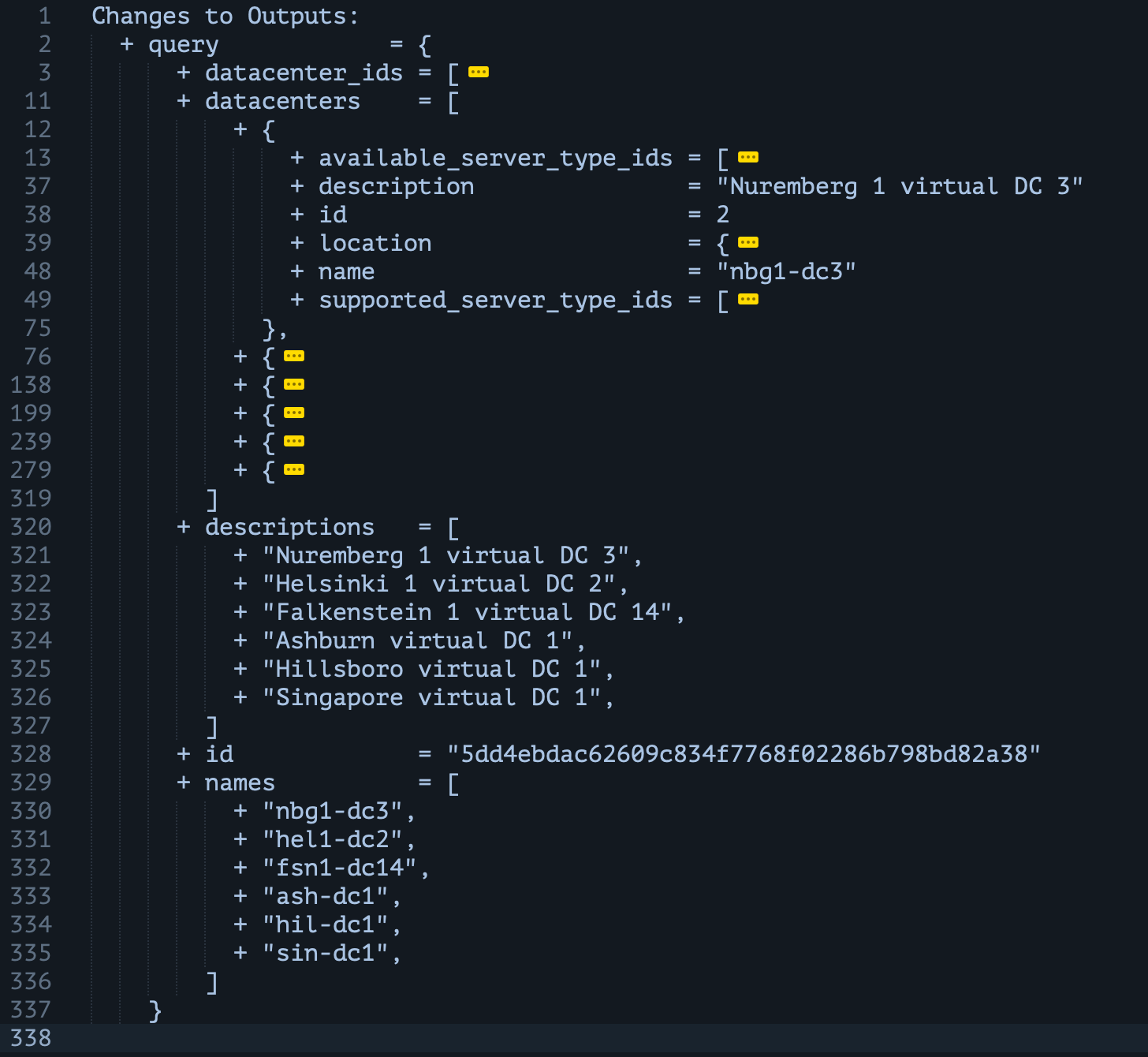
Then you can use the nbg1-dc3 data center name in other Terraform resources for example without having to specify the data source in your normal .tf files. If you need a dynamic approach for your use case, you would still need that of course. Feel free to add this to your .zshrc or .profile for quick repeated usage!
Update 2026-01-30:
- Make sure that the folder you're running this in already is a working terraform project.
- For Hetzner data resources, don't forget to use the plural version (hcloud_images vs hcloud_image) to make it work smoothly.
Kudos to meustrus for the color removal regex and qstebom for removing the last x lines.
Do you have a simpler way to get the data source information from the Terraform provider? Let me know in the comments.
Thanks for reading. betting sites kenya 1win código promocional